
Features

Everything you need to pin, discuss, and resolve feedback directly on your live website.

Explore by Topics

Setup

Getting the

Environment Ready

Build a structured foundation for your project in minutes.
01

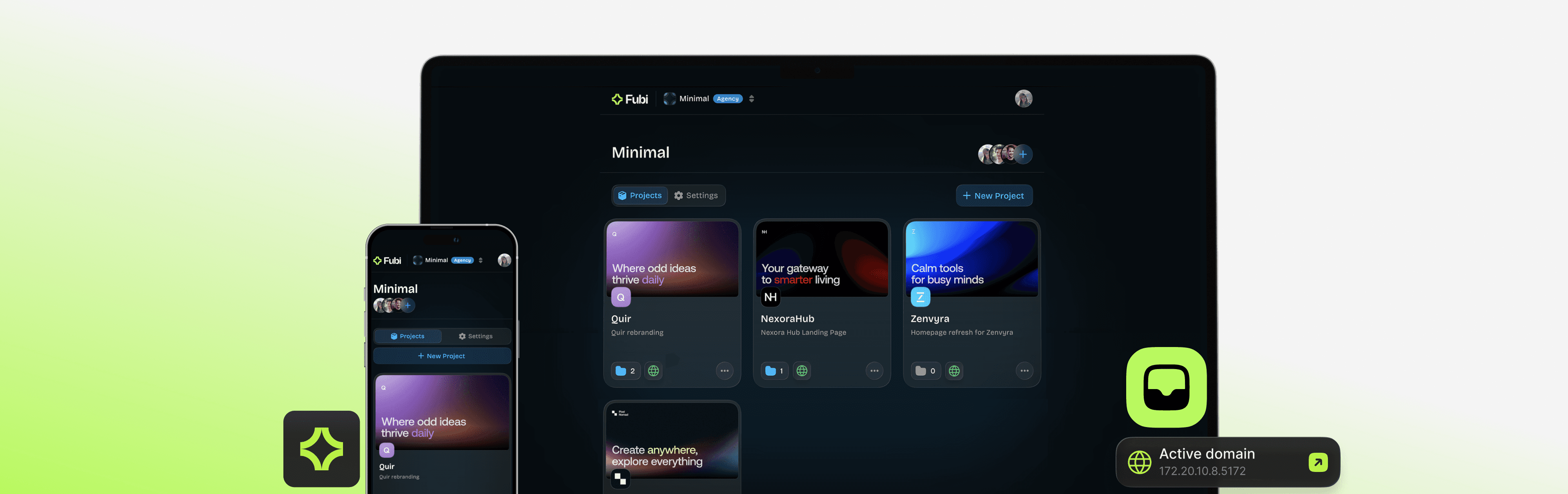
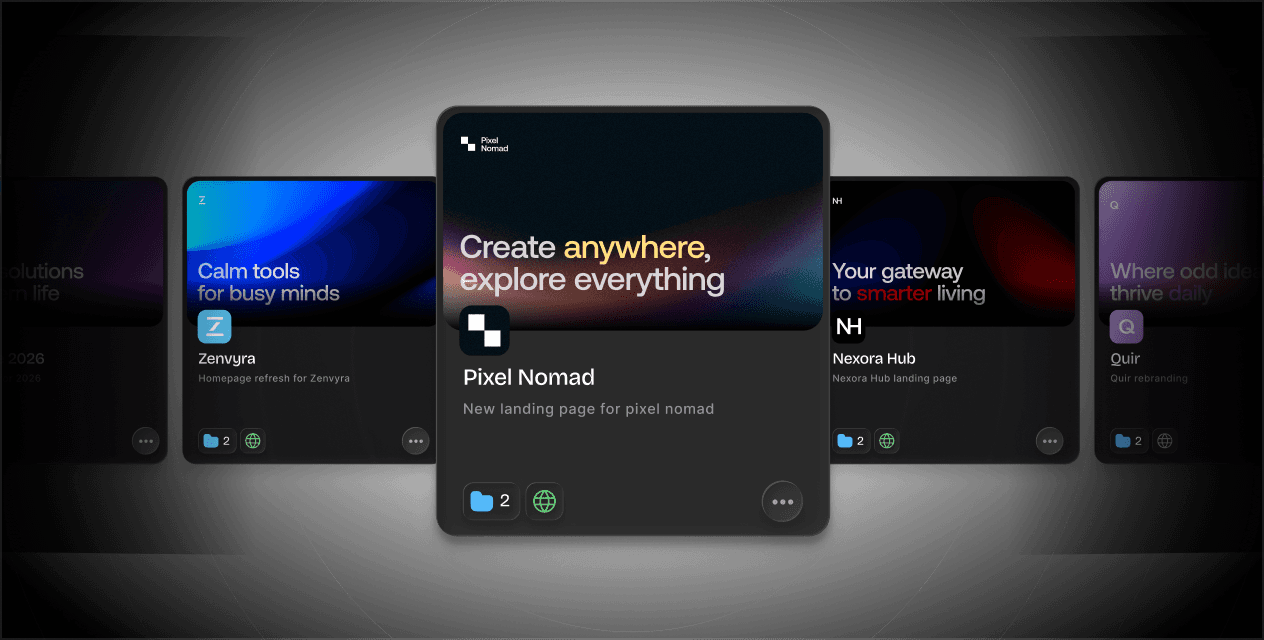
Project-Based Workspace

Organize work by client or website. Create a dedicated project for every delivery and keep feedback structured from day one.

01

Project-Based Workspace

Organize work by client or website. Create a dedicated project for every delivery and keep feedback structured from day one.

02

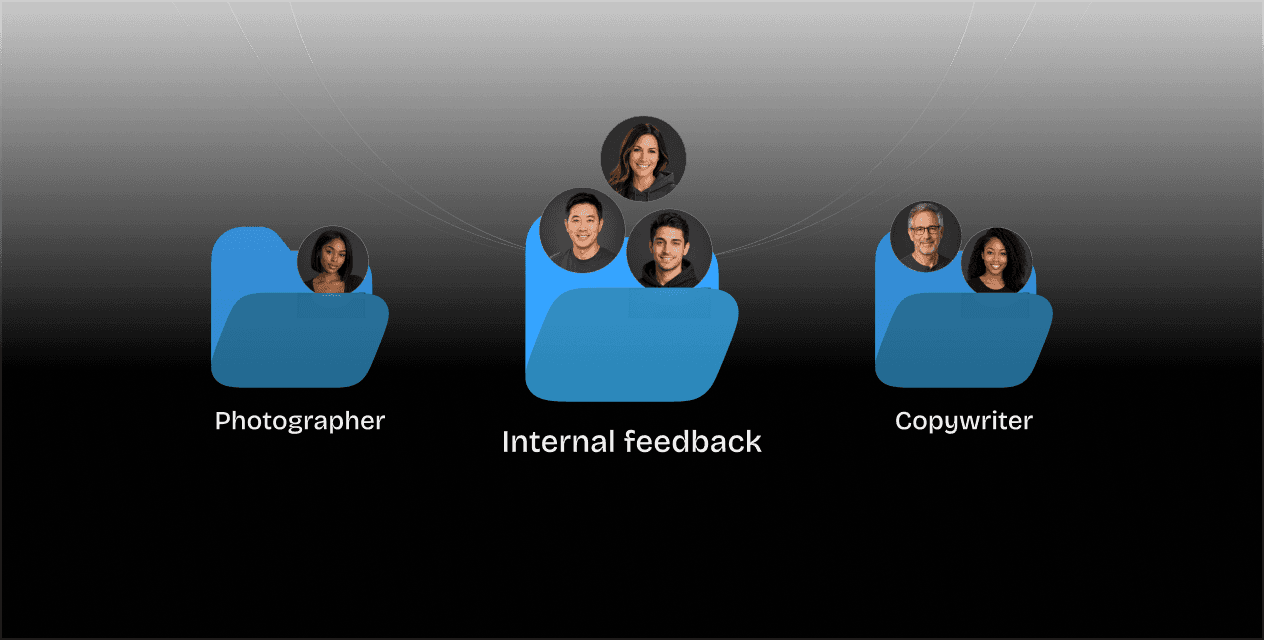
Segmented Feedback Folders

Create private spaces for different user groups. Keep internal dev discussions hidden from clients so everyone stays focused on the feedback that matters to them.

02

Segmented Feedback Folders

Create private spaces for different user groups. Keep internal dev discussions hidden from clients so everyone stays focused on the feedback that matters to them.

03

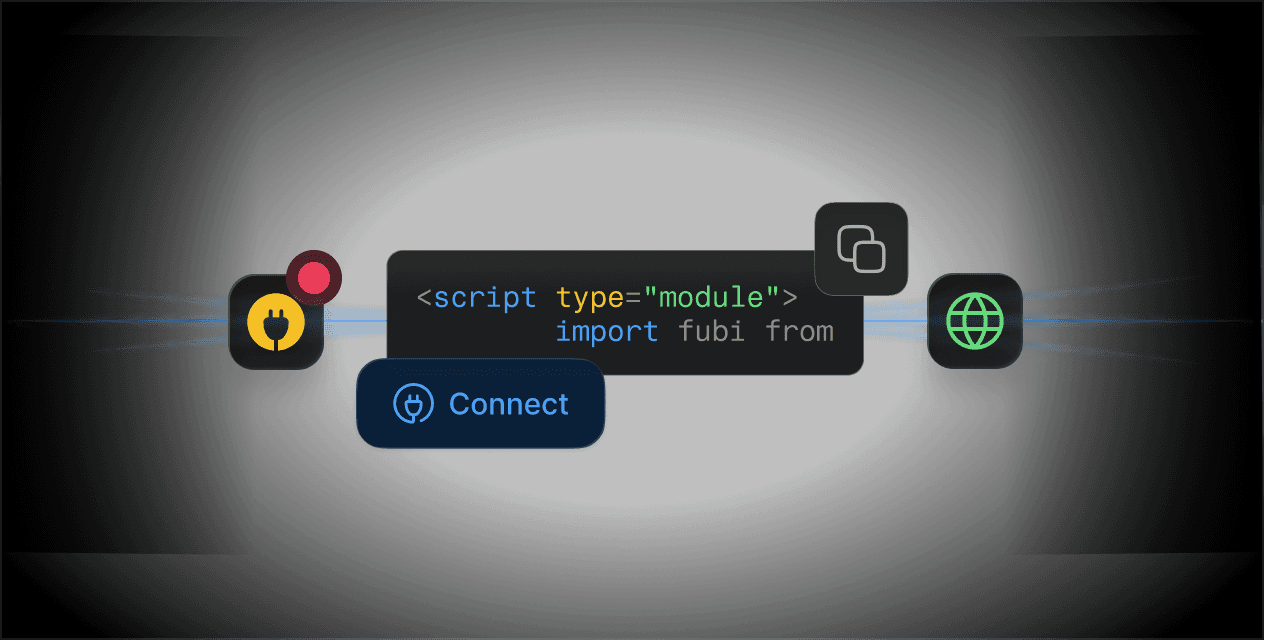
Connect Any Domain

Install via NPM or CDN and connect Fubi to any URL. Start collecting feedback instantly on staging, preview, or production.

03

Connect Any Domain

Install via NPM or CDN and connect Fubi to any URL. Start collecting feedback instantly on staging, preview, or production.

Try Our Demo

You can explore our features without creating an account or committing to a plan. Experience our online demo, which lets you test our functionalities on a live site.

Feedback

Feedback

Made Easy

Move beyond screenshots. Pin feedback directly to the live website – on any device.
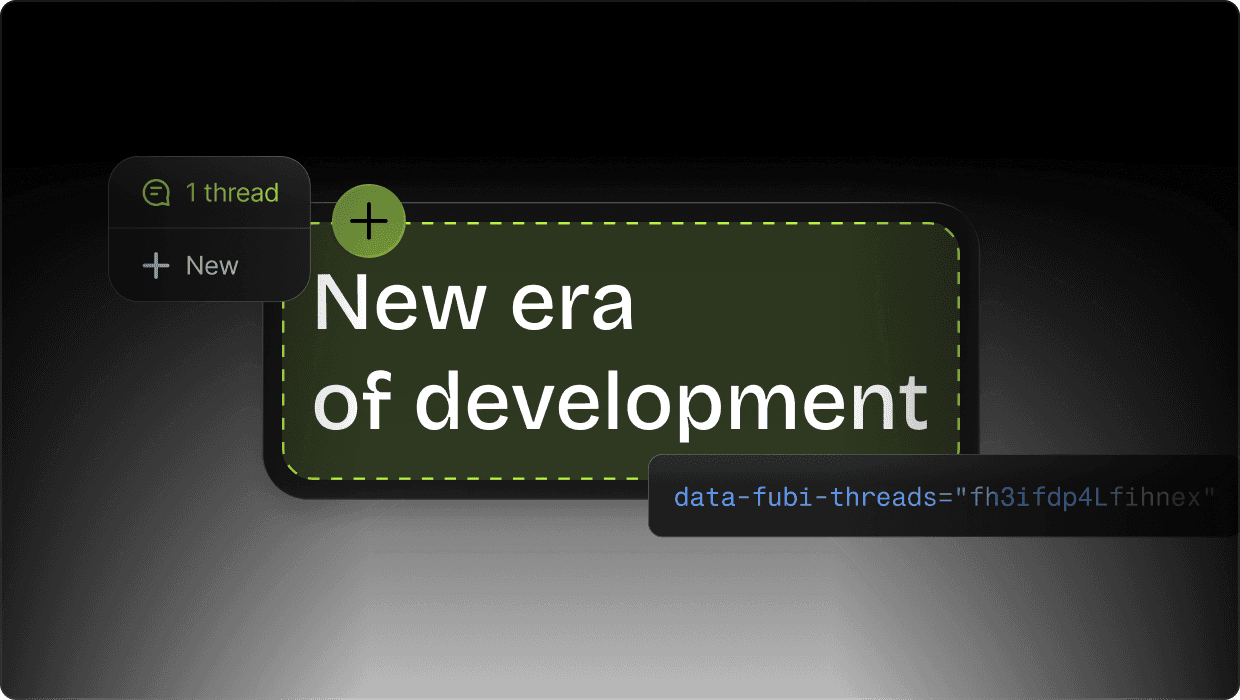
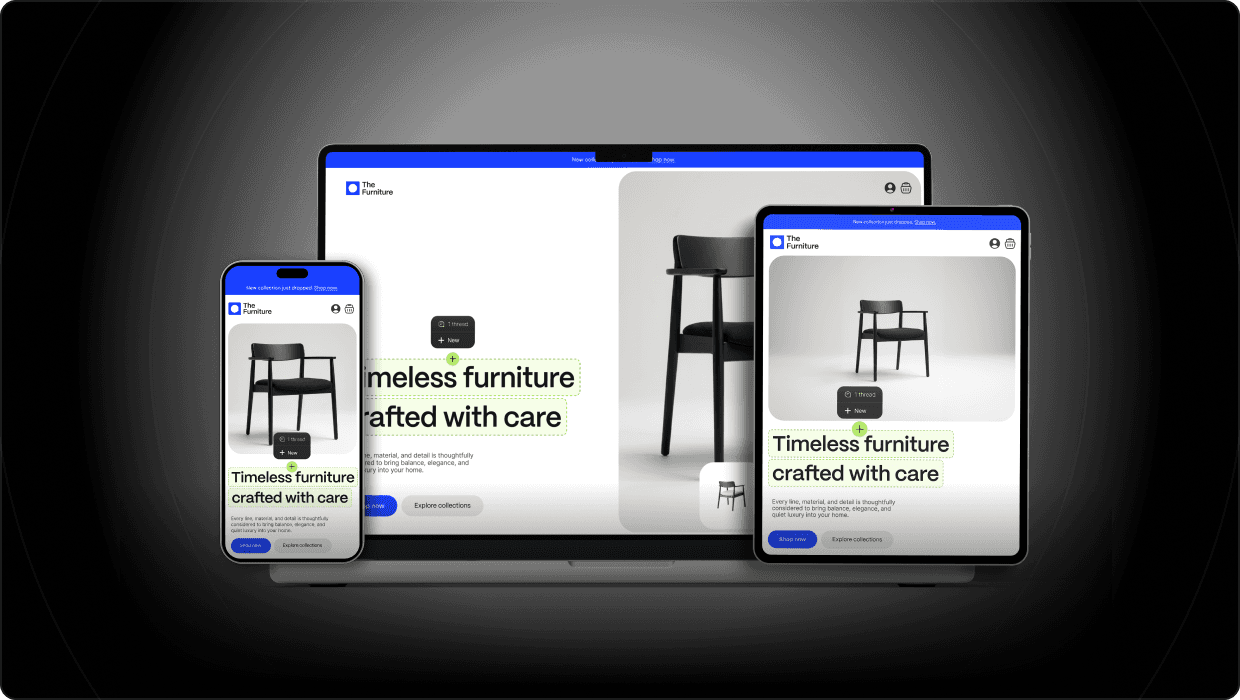
Element-Anchored Feedback

Pins attach directly to live DOM elements, staying accurate across breakpoints, layouts, and dynamic components.

Element-Anchored Feedback

Pins attach directly to live DOM elements, staying accurate across breakpoints, layouts, and dynamic components.

Real Device Feedback

Built for desktop, tablets, and real mobile hardware – so feedback stays accurate everywhere.

Real Device Feedback

Built for desktop, tablets, and real mobile hardware – so feedback stays accurate everywhere.

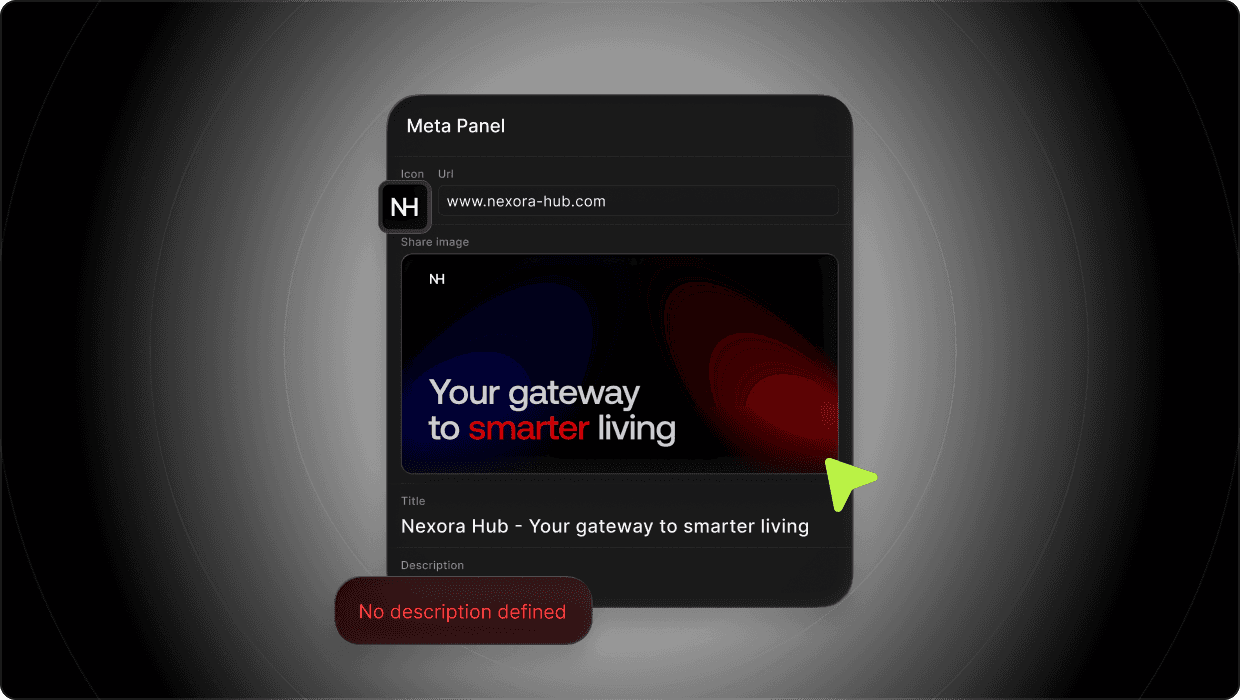
Comment on Site Metadata

Leave feedback on metadata like URLs, favicons, and social share previews – without digging through settings.

Comment on Site Metadata

Leave feedback on metadata like URLs, favicons, and social share previews – without digging through settings.

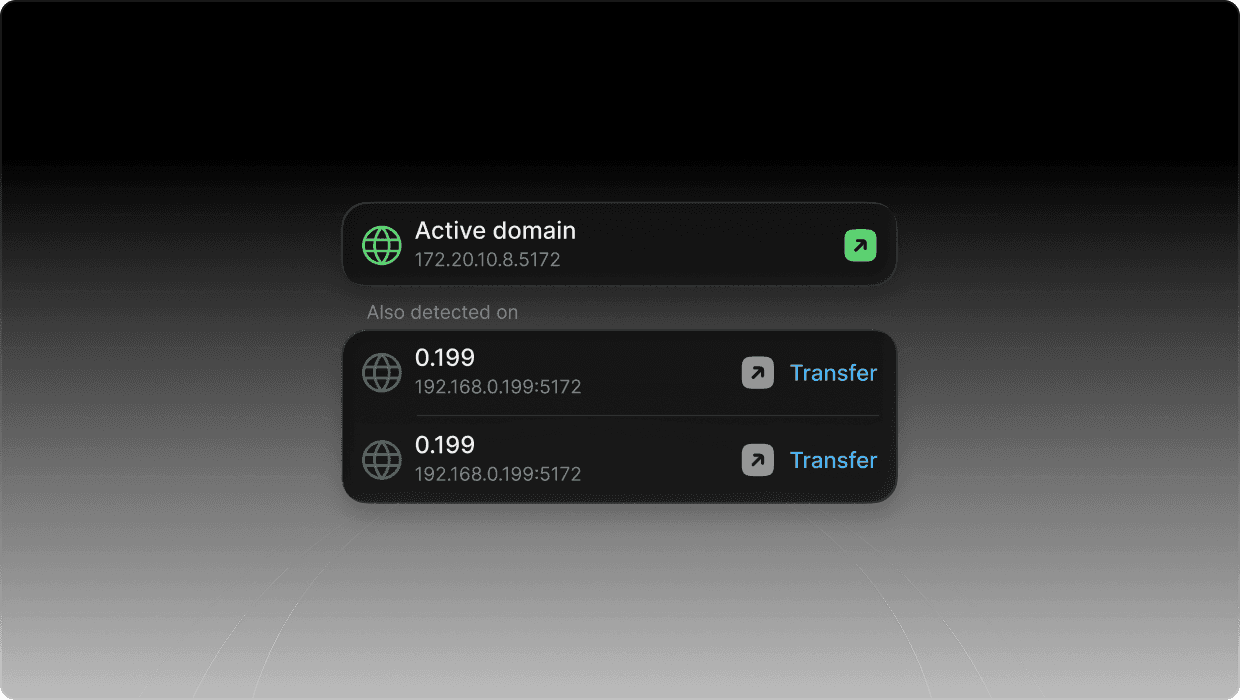
Multi-Domain Switching

Your project evolves, and Fubi moves with it. Maintain a continuous feedback history as you seamlessly switch domains from staging to production.

Multi-Domain Switching

Your project evolves, and Fubi moves with it. Maintain a continuous feedback history as you seamlessly switch domains from staging to production.

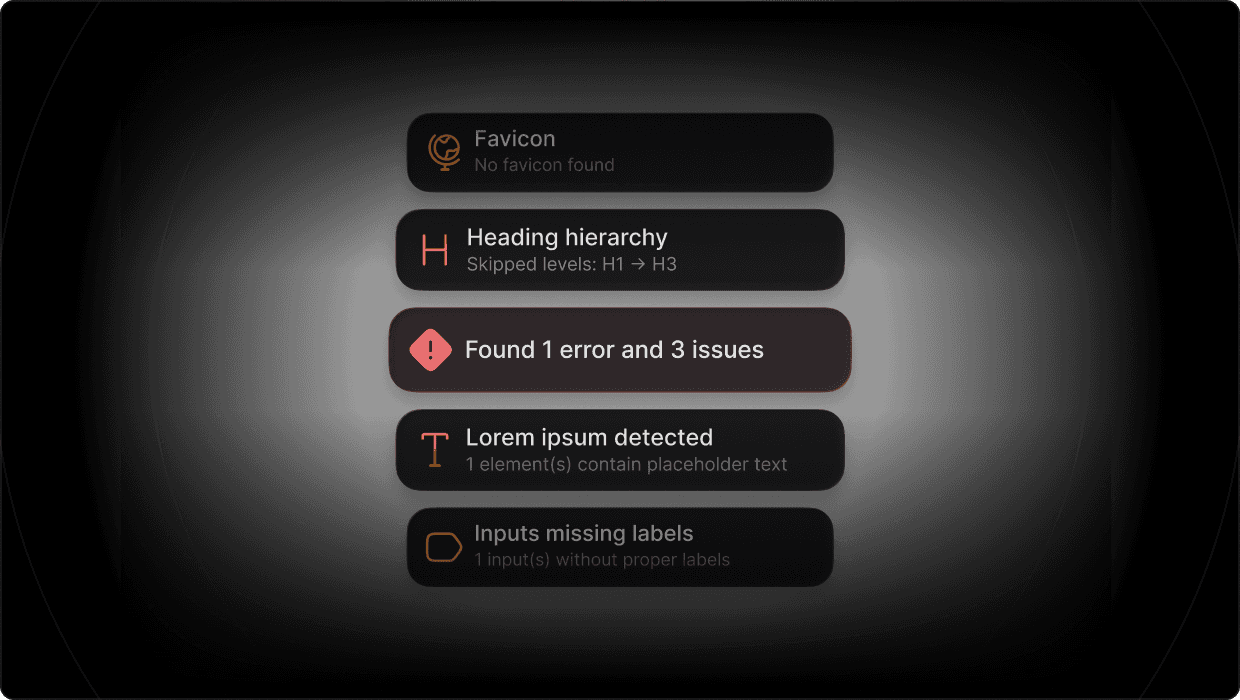
Automated Quality Analysis

Let Fubi catch what you missed. Our built-in Analyze function automatically scans for technical errors, broken links, and missing assets like OpenGraph images.

Automated Quality Analysis

Let Fubi catch what you missed. Our built-in Analyze function automatically scans for technical errors, broken links, and missing assets like OpenGraph images.

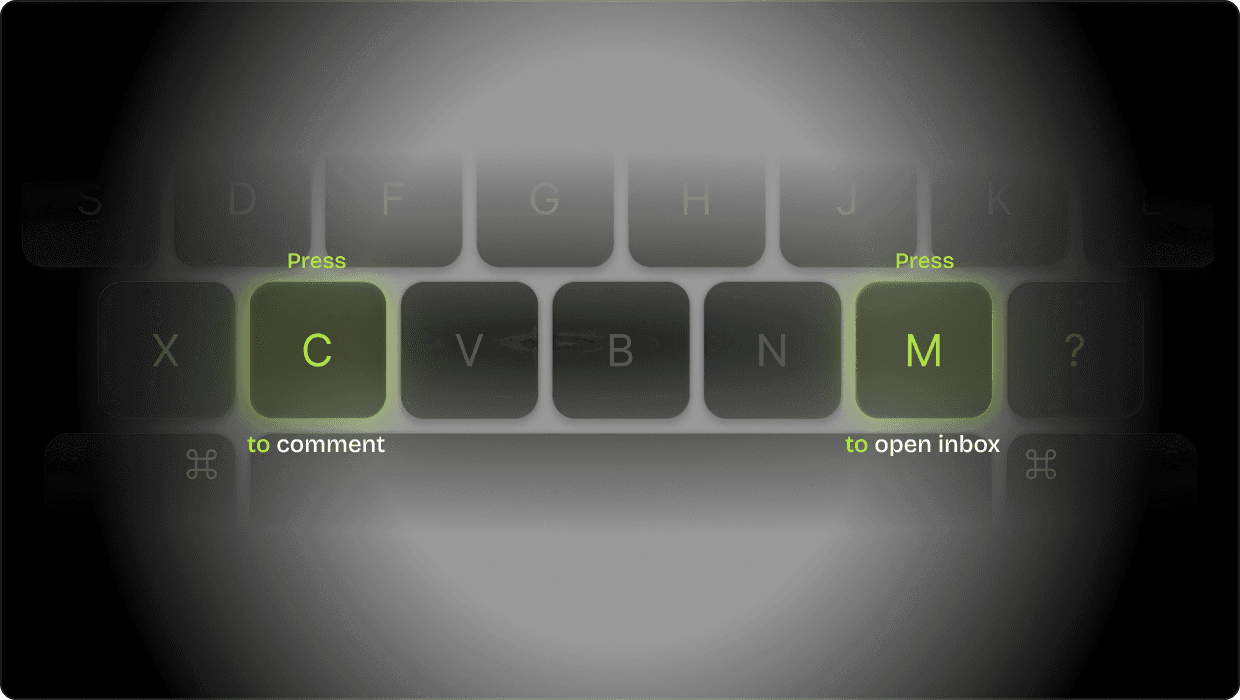
Keyboard Shortcuts Built In

Switch modes instantly with built-in shortcuts – faster workflow, less friction.

Keyboard Shortcuts Built In

Switch modes instantly with built-in shortcuts – faster workflow, less friction.

See their breakpoint immediately

Fubi captures the exact breakpoint and viewport size behind every comment, so your team can reproduce issues immediately – without guesswork or back-and-forth.

See their breakpoint immediately

Fubi captures the exact breakpoint and viewport size behind every comment, so your team can reproduce issues immediately – without guesswork or back-and-forth.

Keyboard Shortcuts Built In

Switch modes instantly with built-in shortcuts – faster workflow, less friction.

Works with Your Stack

Works with
Your Stack

Fubi works across modern frameworks and no-code platforms, including Astro, Next.js, React, Vue, Webflow, Framer, and more. Connect it and start collecting feedback in minutes.


Collaboration

Built for

Team Collaboration

Keep everyone aligned – from clients to developers.
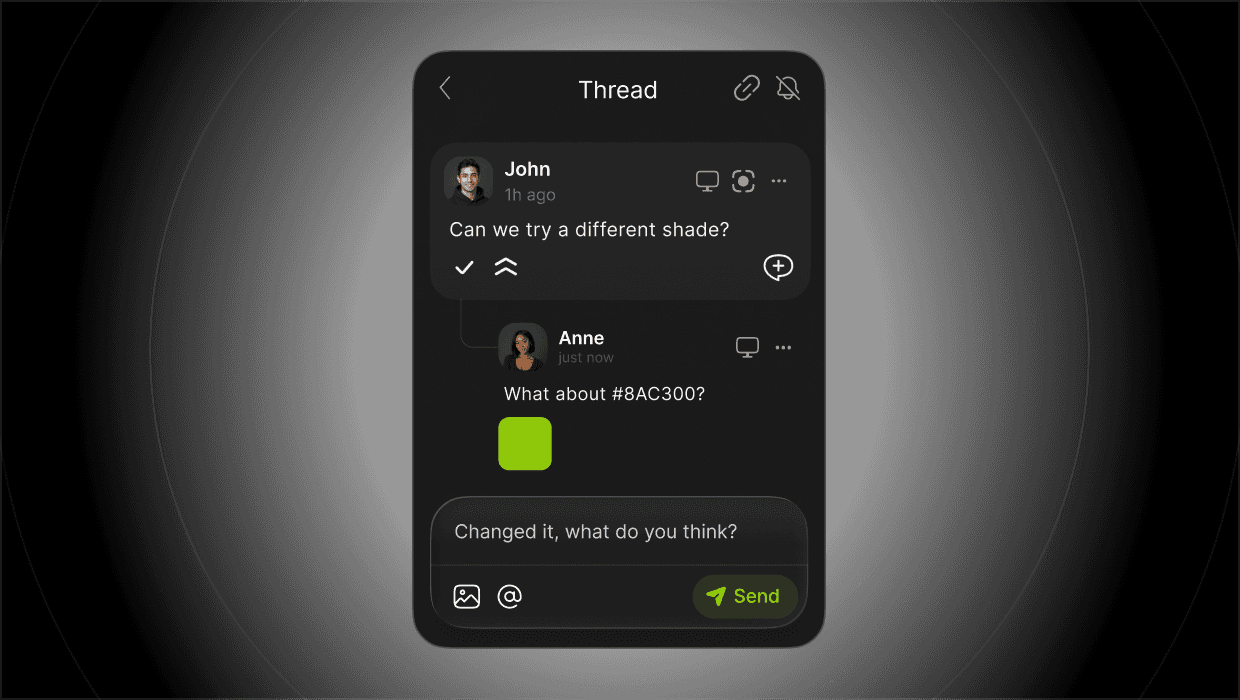
Threaded Discussions

Reply in threads, keep context in one place, and resolve feedback without losing track.

Threaded Discussions

Reply in threads, keep context in one place, and resolve feedback without losing track.

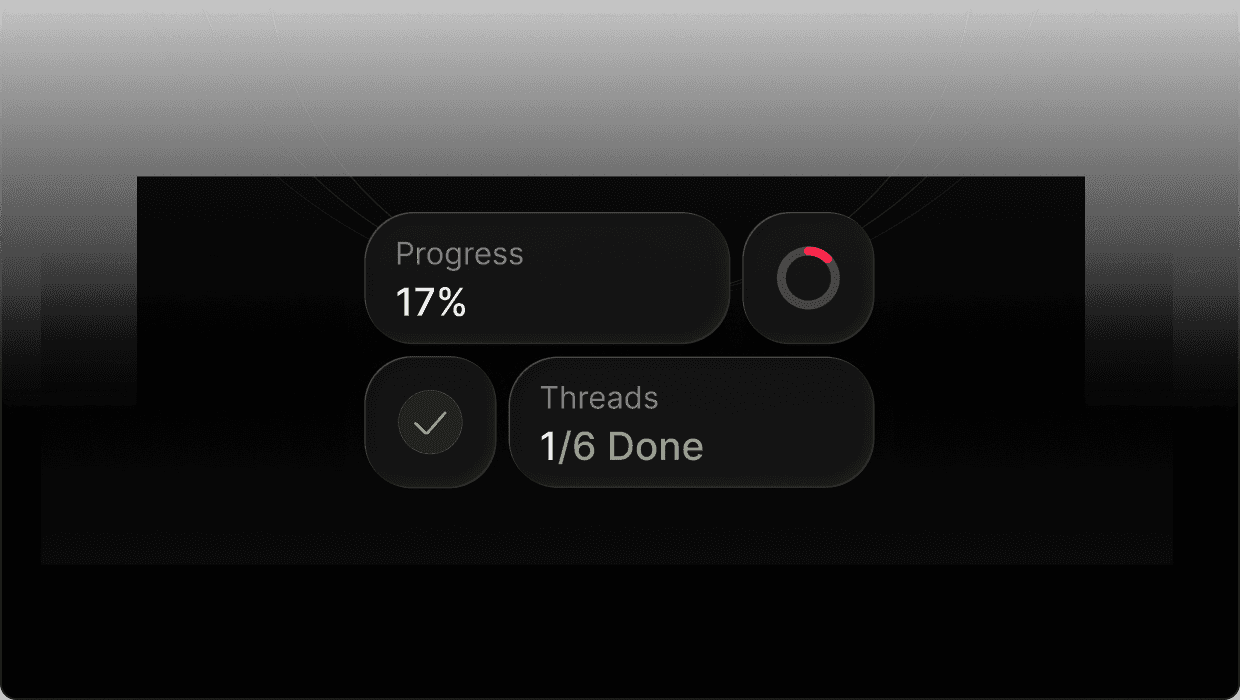
Overview at a Glance

Get overview at glance. Fubi shows you progress, done threads, done folders, so you can immediately know what needs your focus.

Overview at a Glance

Get overview at glance. Fubi shows you progress, done threads, done folders, so you can immediately know what needs your focus.

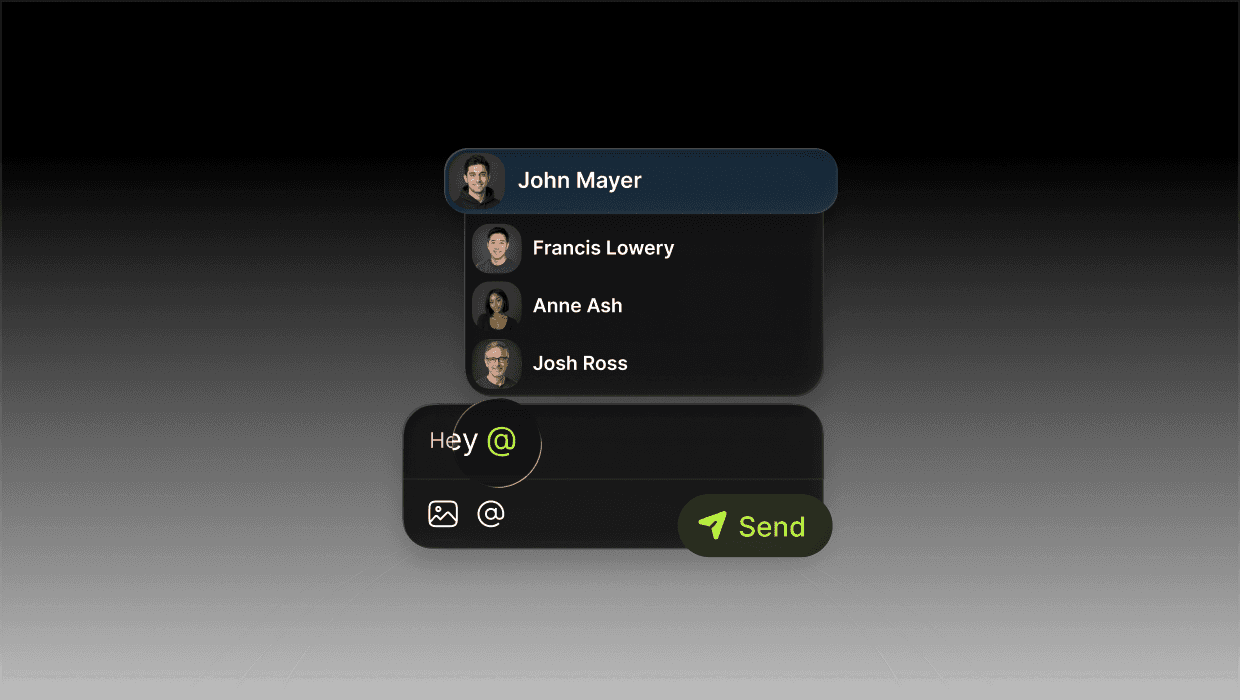
User Mentions

Tag teammates to pull them into the right thread instantly – no Slack follow-ups needed.

User Mentions

Tag teammates to pull them into the right thread instantly – no Slack follow-ups needed.

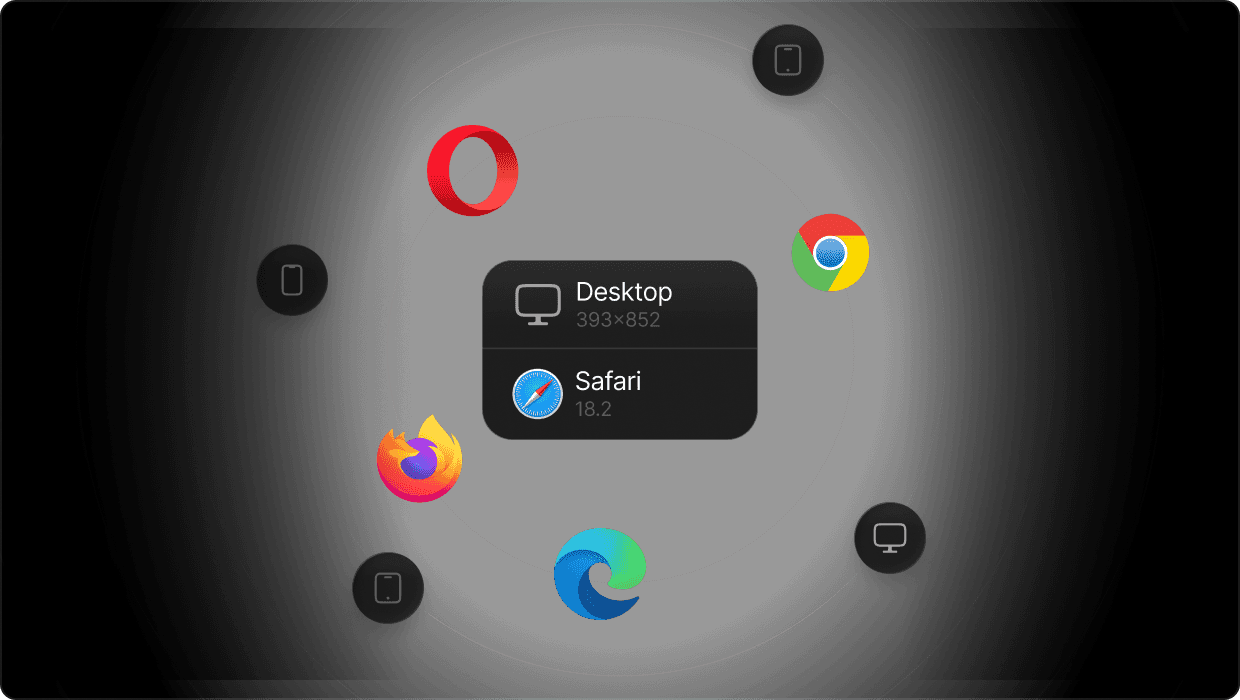
Full Context for Every Comment

See device, browser, viewport size, and breakpoint for every pin – so issues are easy to reproduce.

Full Context for Every Comment

See device, browser, viewport size, and breakpoint for every pin – so issues are easy to reproduce.

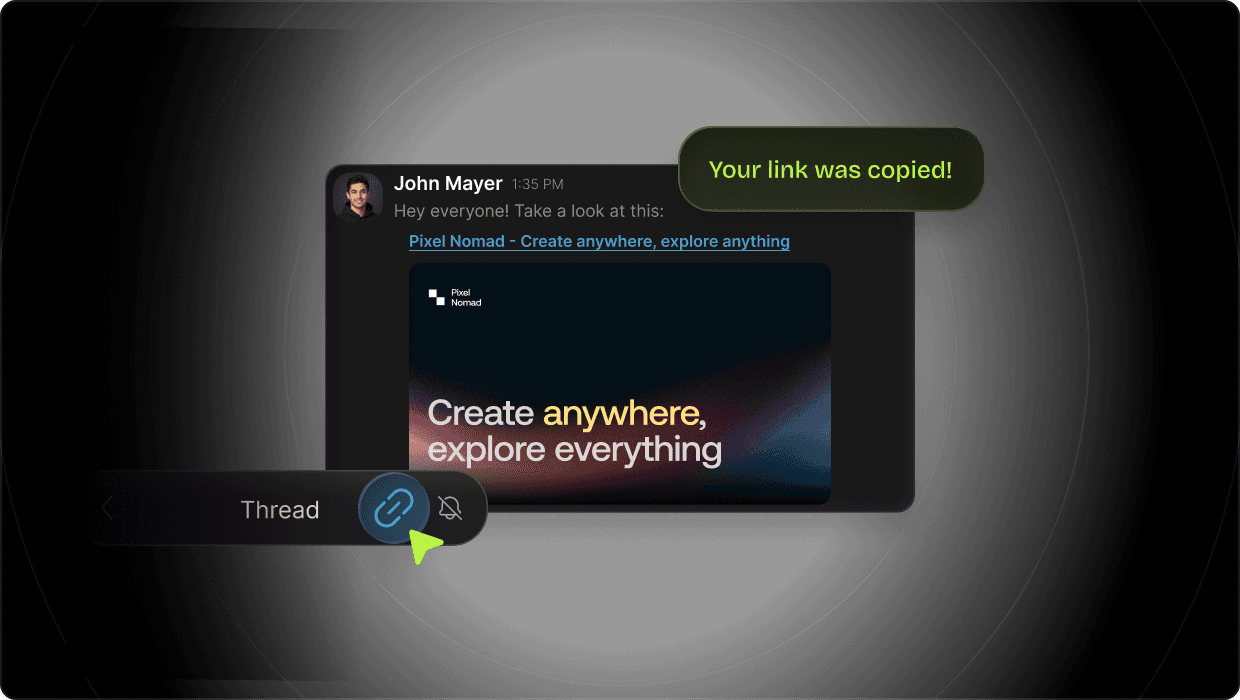
Shareable Thread Links

Share a direct link to any thread so teammates and stakeholders can jump into the exact context instantly.

Shareable Thread Links

Share a direct link to any thread so teammates and stakeholders can jump into the exact context instantly.

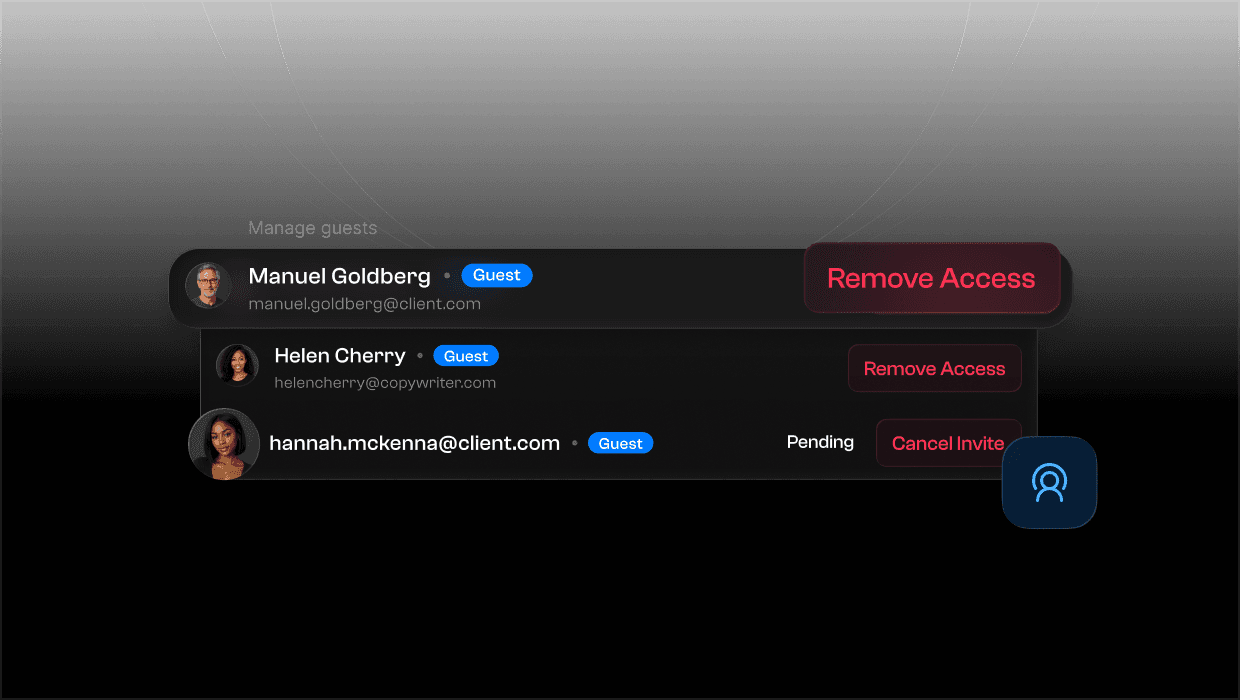
Team Guest Management

Manage guest access in one place. Control who can view and comment in each folder – perfect for client workflows.

Team Guest Management

Manage guest access in one place. Control who can view and comment in each folder – perfect for client workflows.

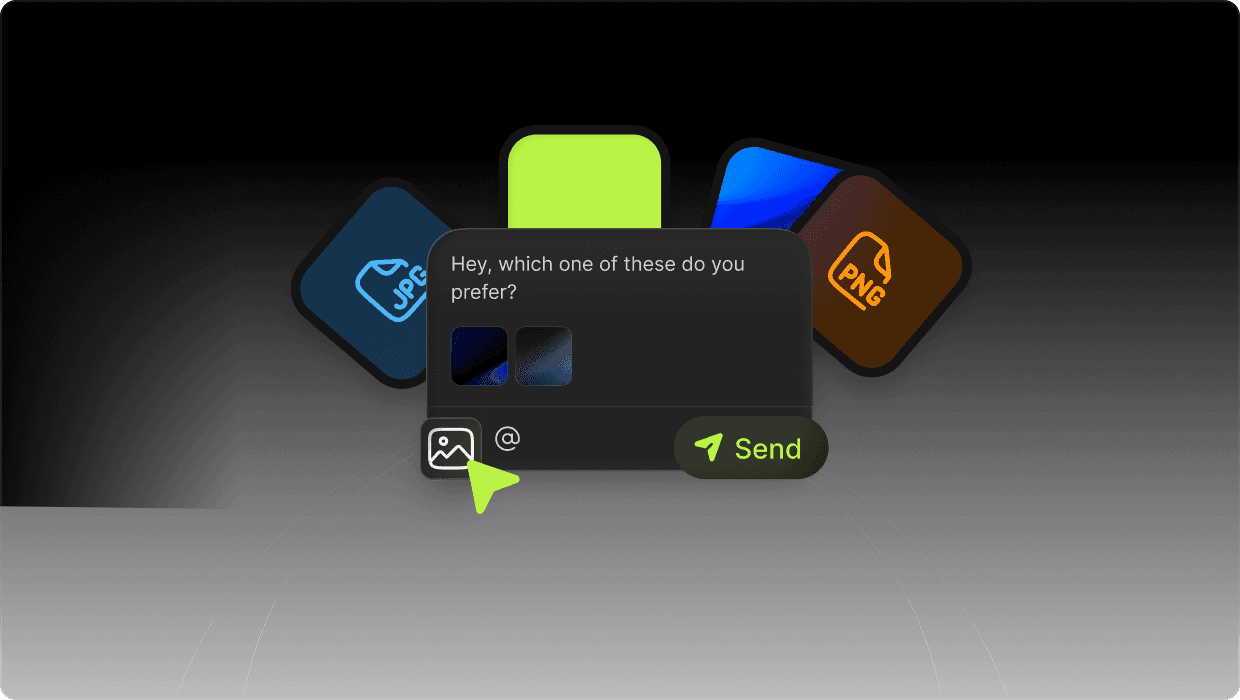
Attachments in Threads

Upload screenshots and files directly into comments so everything stays in the same thread.

Attachments in Threads

Upload screenshots and files directly into comments so everything stays in the same thread.

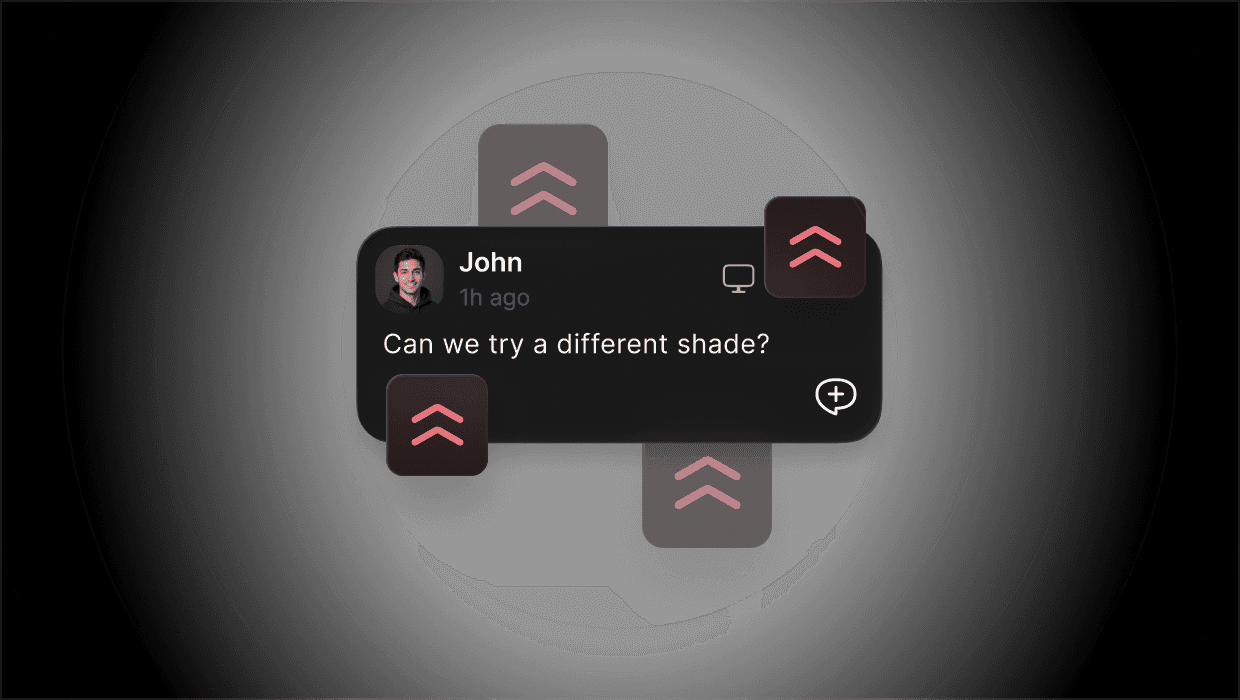
Priority Tags

Mark feedback as High Priority – it automatically jumps to the top of the list so critical issues don’t get missed.

Priority Tags

Mark feedback as High Priority – it automatically jumps to the top of the list so critical issues don’t get missed.

Notifications

Stay Notified

Without the noise

Stay updated without getting spammed.
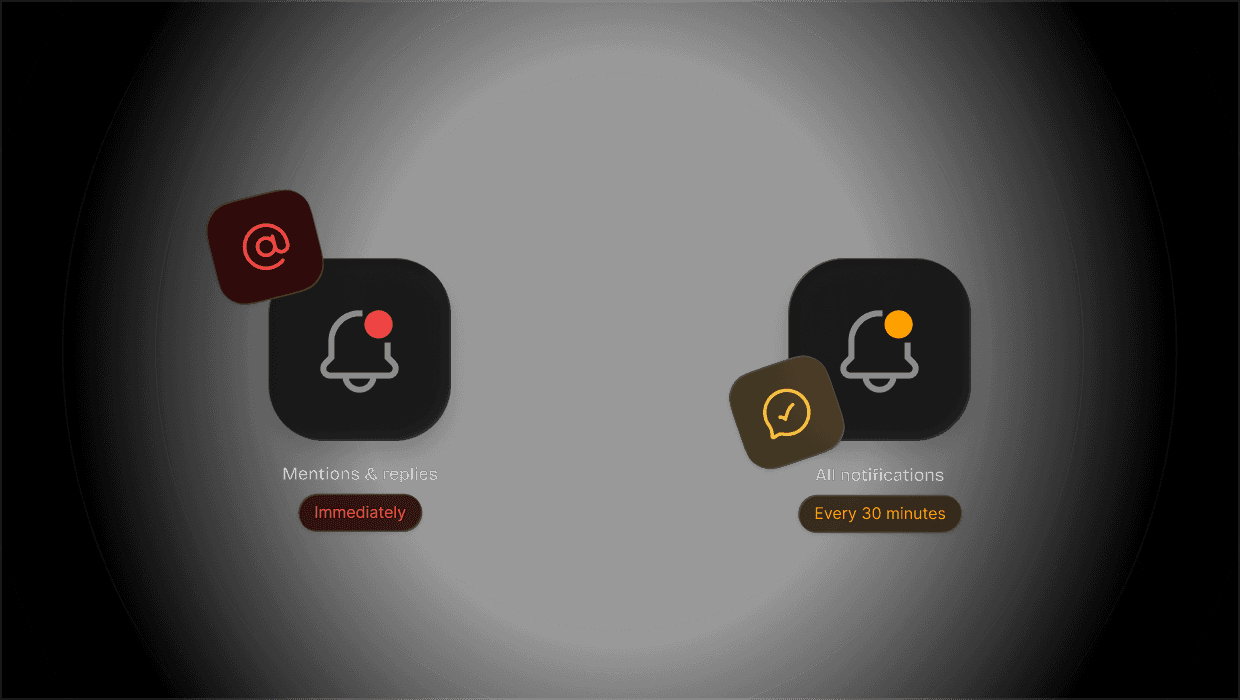
Custom Notification Rules

Set notification rules per folder. Get instant alerts for mentions and replies, while everything else is bundled into a clean digest.

Custom Notification Rules

Set notification rules per folder. Get instant alerts for mentions and replies, while everything else is bundled into a clean digest.

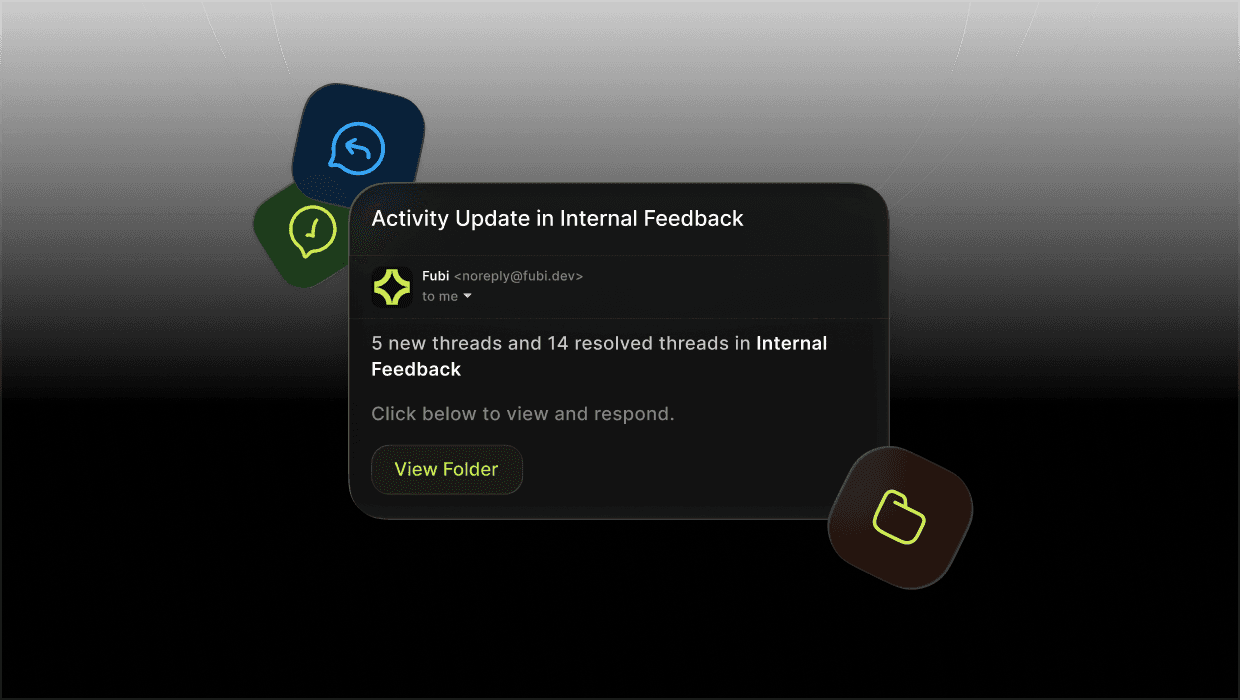
Email Summaries

Receive simple summaries of new feedback based on your notification preferences.

Email Summaries

Receive simple summaries of new feedback based on your notification preferences.

Pricing

Choose the plan that fits your needs.

Monthly

Yearly

(save 20%)

Starter

For freelancers & small teams

$29

/ per month

2 active projects

3 team members

1 project per guest

Unlimited guests

Unlimited feedback

14 Days Free Trial

Studio

For small agencies

$89

/ per month

10 active projects

10 team members

1 project per guest

Unlimited guests

Unlimited feedback

14 Days Free Trial

Agency

For growing agencies and internal teams

$149

/ per month

20 active projects

20 team members

Unlimited projects per guest

Unlimited guests

Unlimited feedback

14 Days Free Trial

Monthly

Yearly

(save 20%)

Starter

For freelancers & small teams

$29

/ per month

2 active projects

3 team members

1 project per guest

Unlimited guests

Unlimited feedback

14 Days Free Trial

Studio

For small agencies

$89

/ per month

10 active projects

10 team members

1 project per guest

Unlimited guests

Unlimited feedback

14 Days Free Trial

Agency

For growing agencies and internal teams

$149

/ per month

20 active projects

20 team members

Unlimited projects per guest

Unlimited guests

Unlimited feedback

14 Days Free Trial

Frequently

Asked Questions

How does Fubi keep feedback pinned to the exact element?

Why is Fubi better for complex websites?

Do I need a separate PM tool to manage feedback?

Can clients leave feedback directly on the website?

Does Fubi work on mobile devices?

Does Fubi work with modern frameworks?

Do I need to install anything complicated?

Can I keep internal feedback separate from client feedback?

Can I switch from staging to production without losing feedback history?

What kind of context is included with each comment?

Faster

Feedback Flow

Stop juggling screenshots, emails, and scattered notes. Review, discuss, and resolve feedback directly on your website – in one clear workflow.

Follow us on social media

Stay up to date with news, updates, and new versions of Fubi.

We’re on